 Beep
Beep
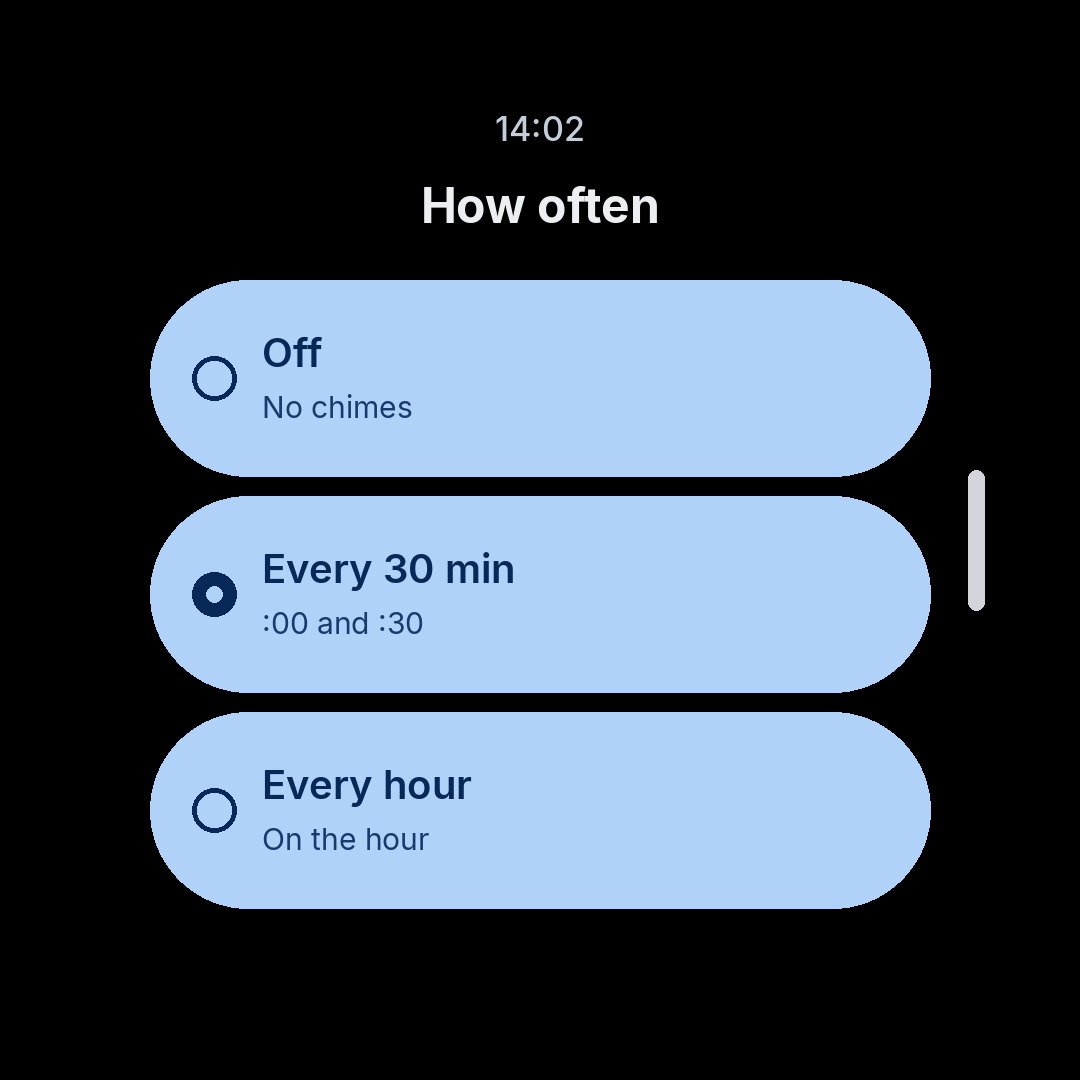
How often
Off, every 30 minutes, or every hour. Half-hour chimes land on :00 and :30. Hourly chimes land on the hour — the same rhythm as an old digital watch.
Wear OS · Pixelspore
Beep chimes from your watch, on the clock — as a beep, a vibration, or both. It runs on the watch alone. A phone is not required.
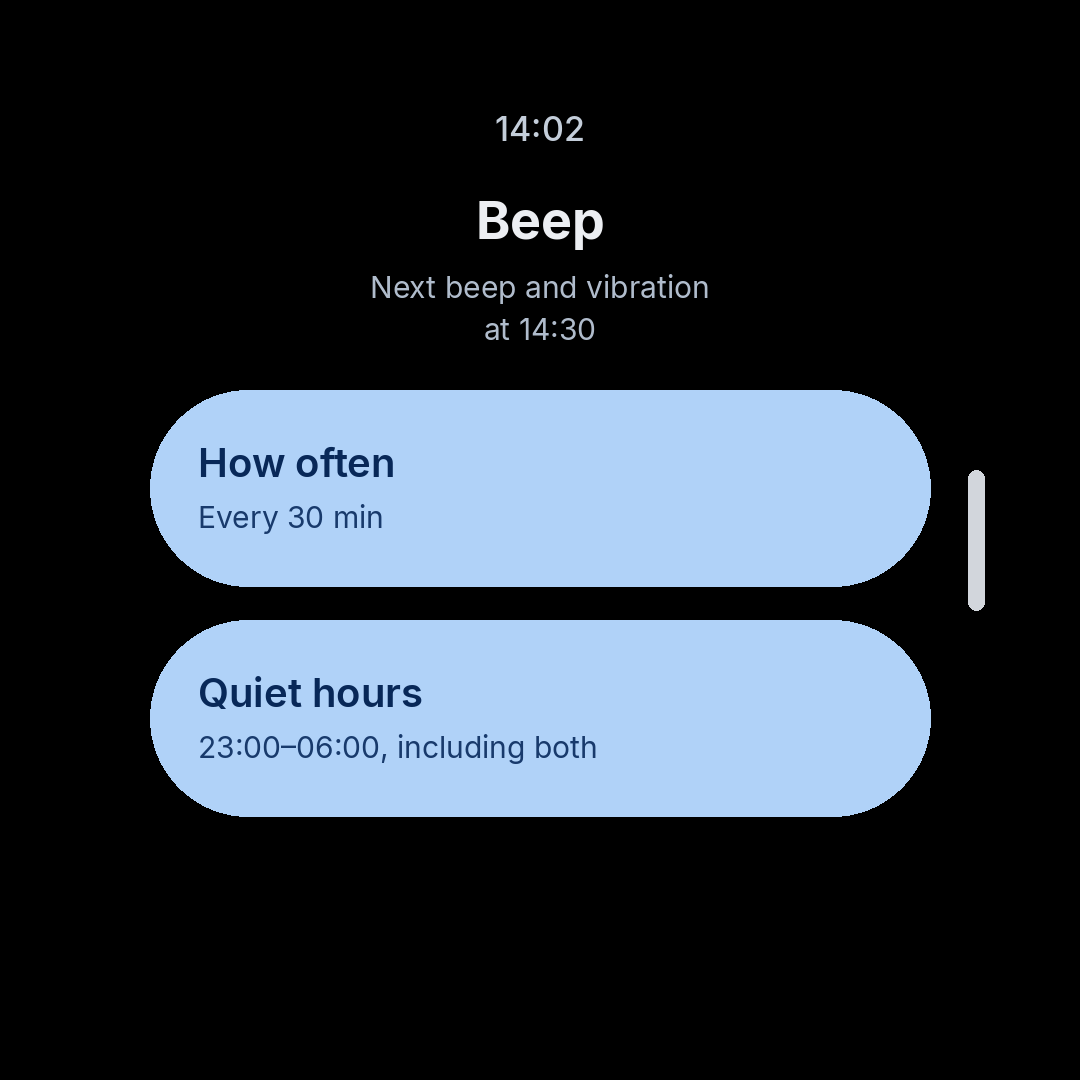
Off, every 30 minutes, or every hour. Half-hour chimes land on :00 and :30. Hourly chimes land on the hour — the same rhythm as an old digital watch.
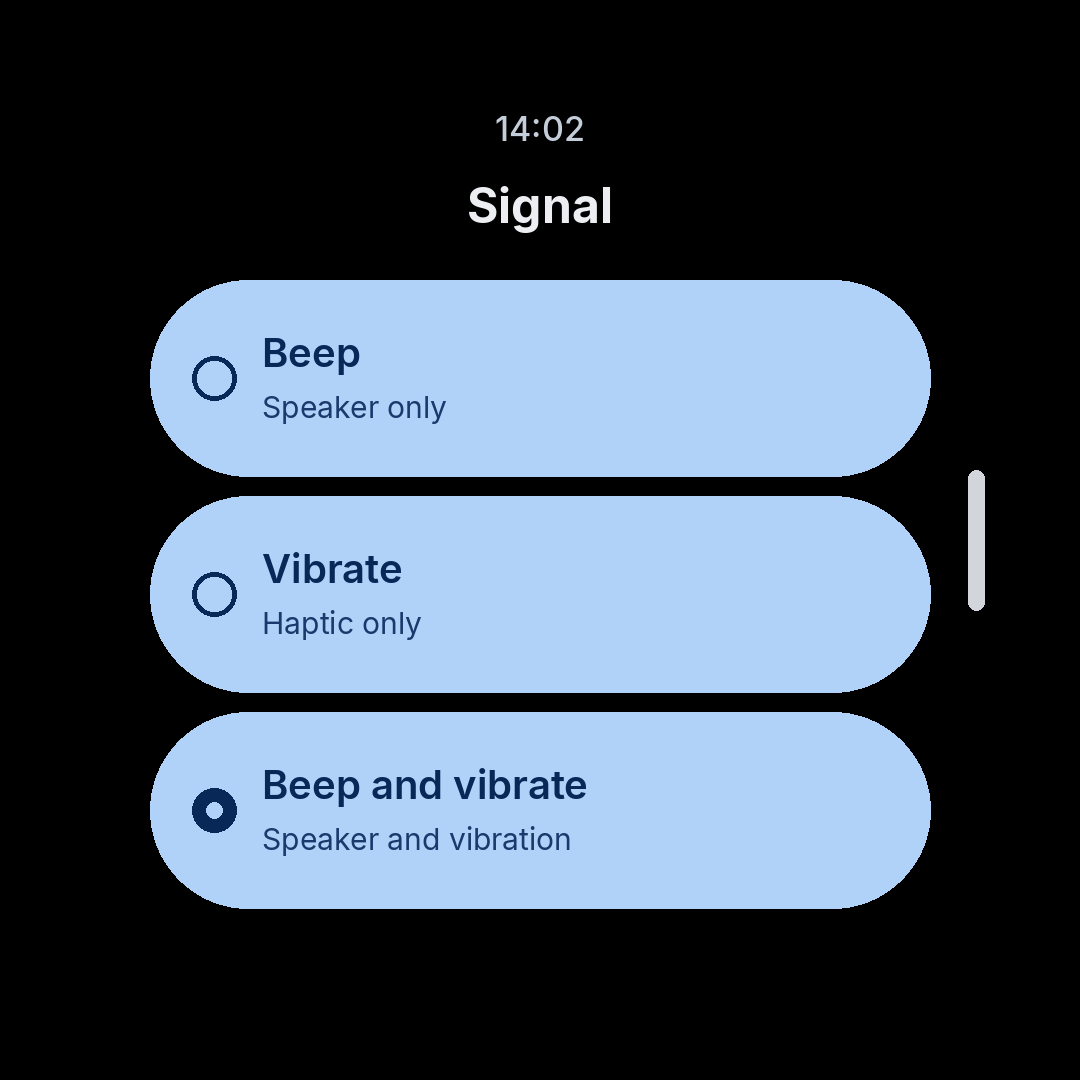
A beep from the speaker, a vibration, or both. The beeps sound like an old digital watch — the same chirps those watches used. The full hour and the half hour can each use a different beep and a different vibration strength.
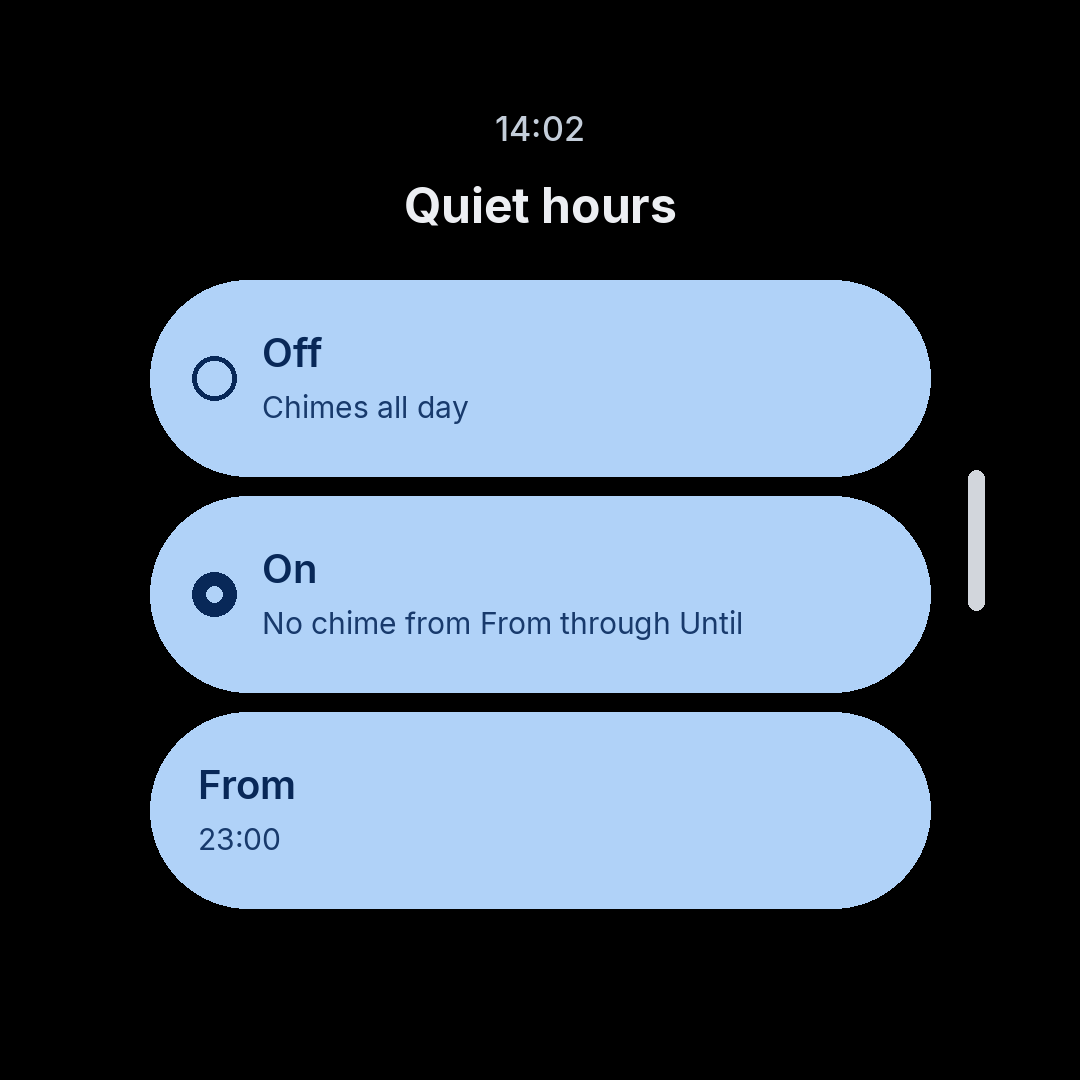
Skip every scheduled chime from the start time through the end time, including both. With 23:00–06:00 there is no chime at 23:00 or at 06:00. Vibration is skipped in that window too.
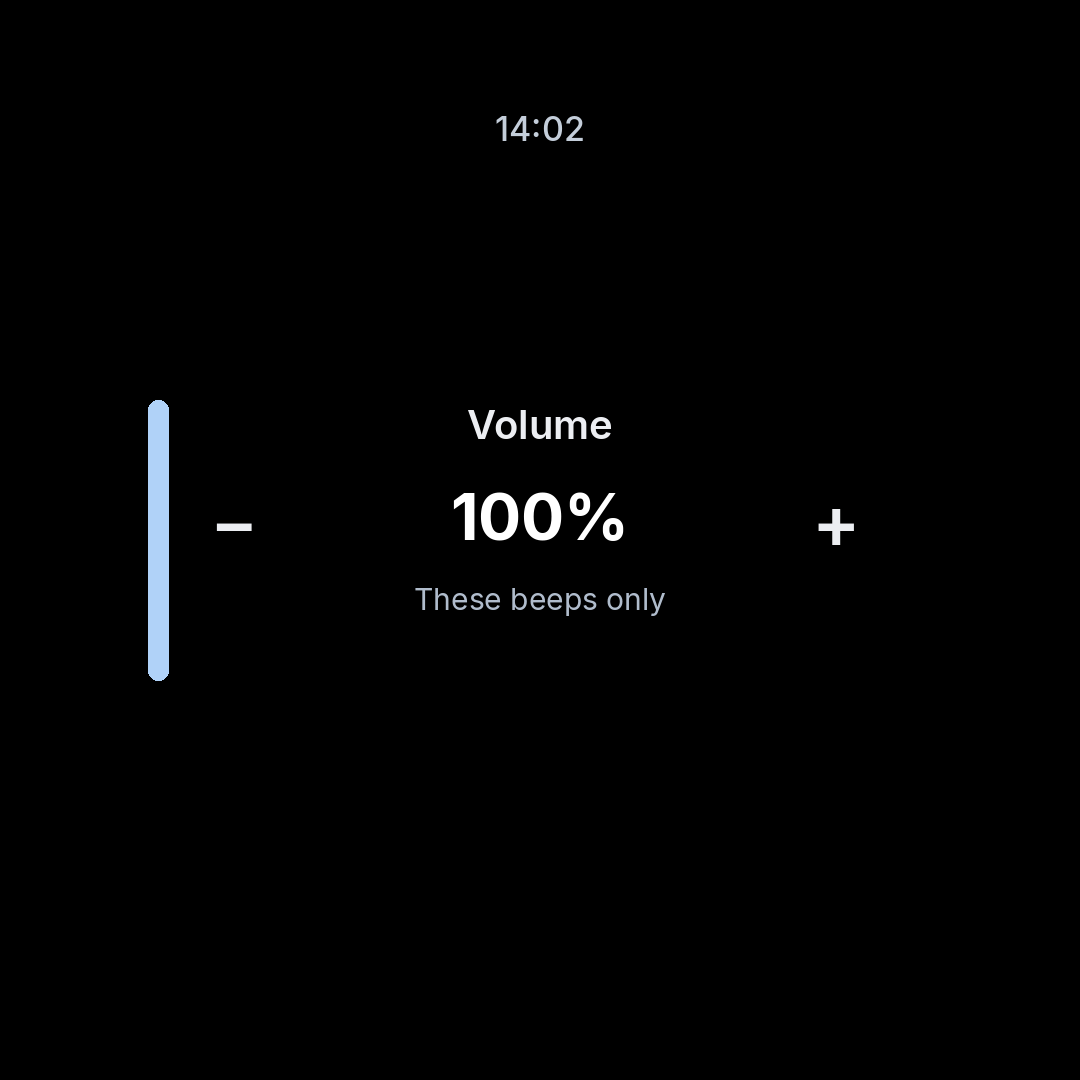
Turn the chimes up or down without touching the watch alarm volume or media volume. Settings stay on the watch after you restart it, change the time, or update the app.
Chimes still go off when you are not using the watch. If the watch is asleep, a chime can arrive a minute or two late. Keep the watch turned on. Beep does not collect data, show ads, or ask you to sign in.
Open the listing on the phone paired with your Wear OS watch, then install it there.
Get it on Google Play